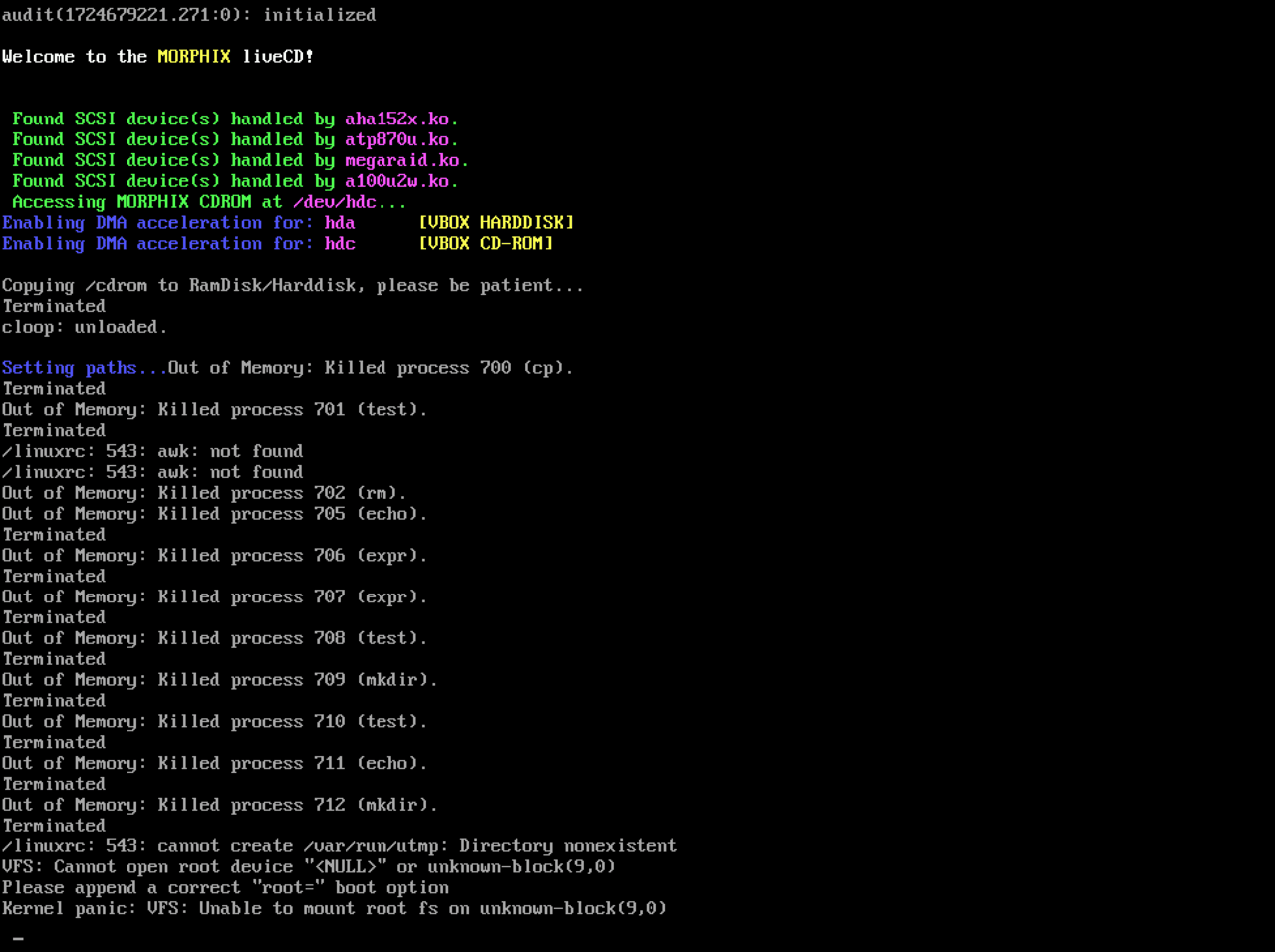
The Kernel Panic at the Worst Possible Time
It is the classic engineer’s nightmare. I had a looming deadline for my OSN (Operating Systems & Networking) Course Project. I was in the zone, finalizing code on my daily driver (Nobara OS), when suddenly silence.
Mid-operation, the screen froze, turning a glitchy half-blue while tearing across the display. Then it hit, a Kernel Panic. The logs were screaming about an allocator mismatch, suggesting the kernel had completely lost track of where it was supposed to boot or allocate memory.
I suspect it was a recent Linux kernel update. Friends running other gaming-focused distros had mentioned boot wobbles recently. Mine didn't just wobble. It imploded.
The Retreat to WSL
I tried to fix it. I booted a Live USB, tried to reinstall, and hit wall after wall of errors. But the clock was ticking. The deadline didn't care about my bootloader issues.
So, I made a tactical retreat. I didn't have time to battle motherboard firmware. I booted into Windows, installed WSL (Windows Subsystem for Linux), and scrambled to finish my project there. It wasn't pretty, and it wasn't my preferred environment, but it worked. I submitted the project, survived my End Sem exams on Windows, and left my Linux partition broken and abandoned for weeks.
The "Fresh Mind" Epiphany
Once exams were over and the stress of deadlines had evaporated, I decided to tackle the ghost in my machine. There is something about approaching a debugging problem without a ticking clock that changes your perspective.
The solution didn't come from a forum post, but from a memory of Linux Fest, the freshers' event at IIIT Hyderabad where OSDG helps students dual boot Linux. I remembered a junior finding a workaround for an oddly similar issue where the OS installed but wasn't accessible due to a missing boot entry. They had solved it by manually looking for the file to boot from.
I thought along similar lines. If the motherboard wouldn't look for the OS, maybe I could trick it into finding it. That led me to stumbling across the --removable hack.
The "Unable to Create Boot Entry" Loop
To recap the issue that made me quit weeks ago, every time I tried to install a distro (Fedora, Mint, Nobara), it would crash at the very end with:
grub-install: warning: Cannot set EFI variable Boot0001.
grub-install: warning: efivarfs_set_variable: writing to fd 8 failed: Invalid argument.
grub-install: error: failed to register the EFI boot entry: Invalid argument.
My Asus Vivobook's NVRAM (the chip that stores boot entries) was locked. It was refusing to write any new "notes" about where Linux was installed.
Settling for Ubuntu
When I sat down to fix this, I looked at my desk and realized the only bootable USB I had lying around was Ubuntu. I wanted Nobara or Fedora, but I didn't have the energy to flash a new drive. I just wanted to test my theory. So, sadly, I settled. Ubuntu it is.
The Solution: The "Removable" Hack
I ran the installer. As expected, it crashed with the "Unable to install bootloader" error. But this time, I didn't panic. I knew exactly what to do.
If the motherboard won't let you sign the guestbook (NVRAM), you have to use the "Service Entrance." UEFI motherboards have a hard-coded failsafe. If they can't find a registered OS, they look for a specific file in a specific path reserved for USB sticks:
/EFI/BOOT/BOOTX64.EFI
I needed to trick my internal SSD into looking like a removable USB drive.
Step 1: The chroot Maneuver
Since the installer crashed, the system was technically installed but had no way to boot. I opened a terminal in the Live session and "teleported" inside the installation.
# 1. Mount the system hardware folders to the target drive
sudo mount --bind /dev /target/dev
sudo mount --bind /proc /target/proc
sudo mount --bind /sys /target/sys

# 2. Enter the installed system
sudo chroot /target
Step 2: The Magic Command
Once inside, I ran the command that saves you when NVRAM is broken. The --removable flag forces GRUB to install to the fallback path instead of trying to register with the chip.
grub-install --target=x86_64-efi --efi-directory=/boot/efi --bootloader-id=Ubuntu --removable --recheck
Result: Installation finished. No error reported.
Step 3: The Case of the Missing Windows
The --removable flag got me into Ubuntu, but when I rebooted, I realized I had traded one problem for another: Windows was gone. The system booted straight into Linux without showing the GRUB menu.
Since I had installed using a non-standard path, GRUB defaulted to "Fast Boot" mode (hidden menu) and wasn't actively looking for other OSs. I verified Ubuntu could see Windows with sudo os-prober, but the menu just wouldn't show up.
I had to force it. I edited /etc/default/grub to stop it from being shy:
# Changed from 'hidden' to 'menu' so I can actually see my options
GRUB_TIMEOUT_STYLE=menu
GRUB_TIMEOUT=10

# Added to the very bottom to force Windows detection
GRUB_DISABLE_OS_PROBER=false
One final sudo update-grub, and the dual-boot menu finally appeared.
The Resurrection
It’s ironic. I spent the most stressful week of my semester using WSL because I thought my laptop was a lost cause. Turns out, all I needed was one specific flag, a "removable" path, and the mental clarity that only comes after you submit your finals.
The laptop is back. It might be running Ubuntu instead of my preferred distro, but hey, at least it boots.
Image Credit: Cover image by Lemmings tv — Own work, CC0, via Wikimedia Commons.
Disclaimer: A large part of this blog was written with the help of AI because, honestly, I was too lazy to re-type the nitty-gritty of every single command I ran. However, I wanted to document this solution just in case anyone else is pulling their hair out over this specific NVRAM lock issue. I struggled across countless forums until my girlfriend suggested a random Reddit post that finally pointed me in the right direction. Hopefully, this saves you the same headache.